How the star filter works
Happy customers should go to Google, and criticism should come to you first. The star filter uses the stars to decide what your customer sees next.
- Step 1:
Customers first give stars on your review page.
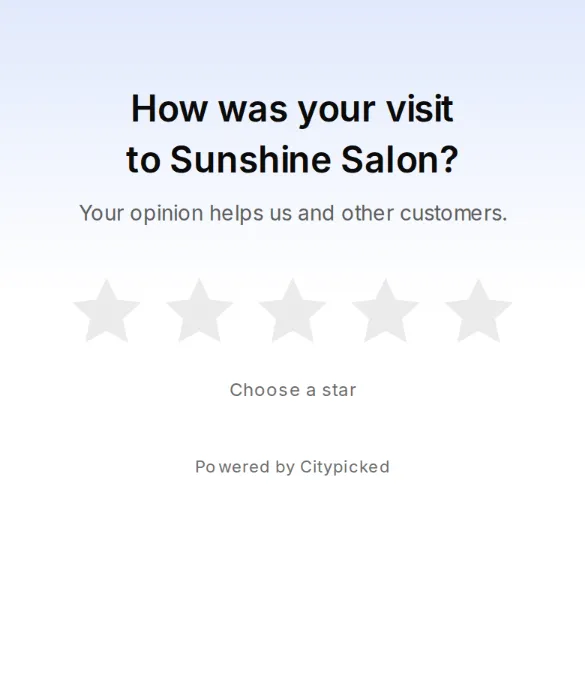
- Step 2:
From the limit you set, for example 4 stars and up, they see the buttons to Google and your other review sites. If you have only one review site, they go straight there.
- Step 3:
Below it they get a private form. The message only comes to you, under Feedback, and by email right away if you like.
- Step 4:
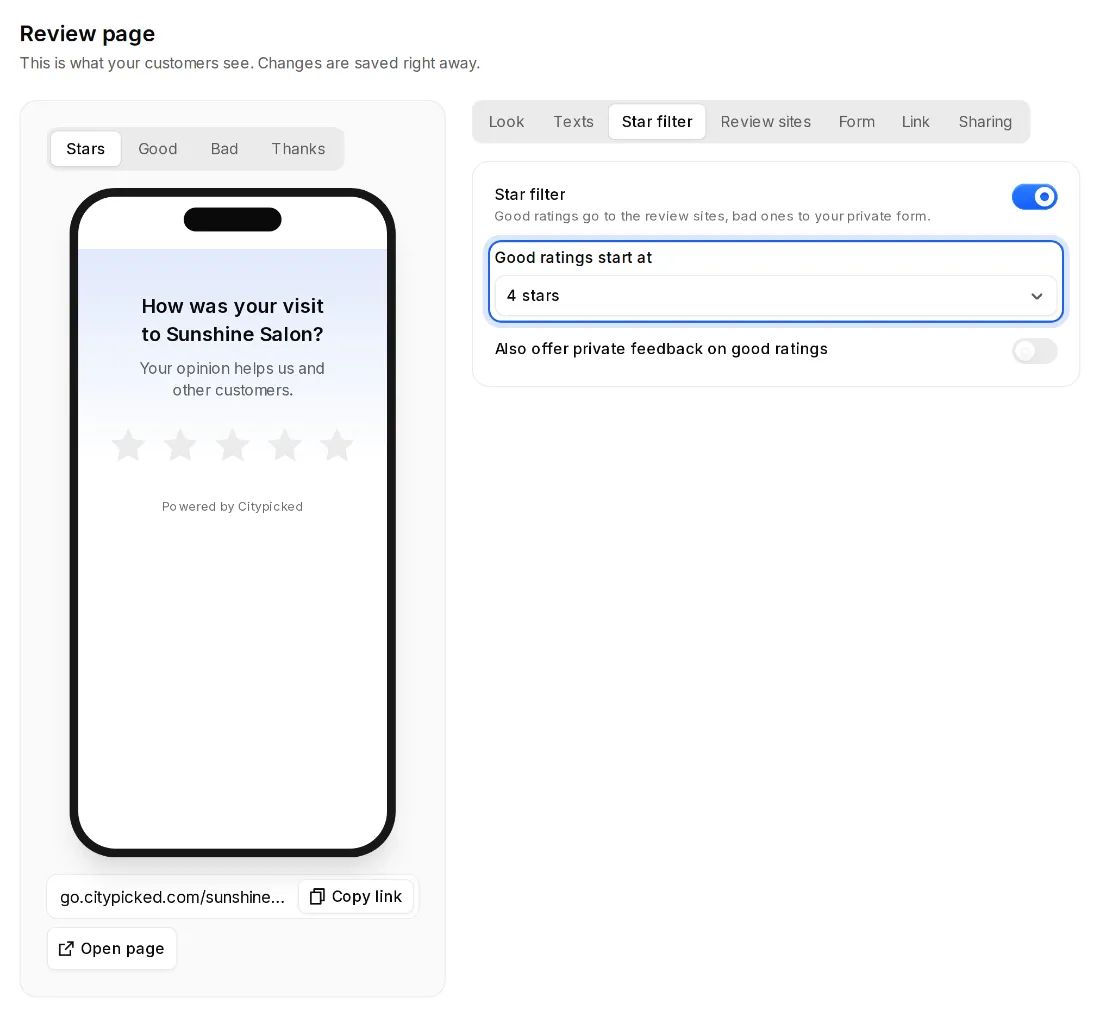
Under Review page, Star filter you switch the filter on or off and choose under “Good ratings start at”: 3, 4 or 5 stars.
Good to know
- With the star filter off, every customer sees the review sites, whatever they rate.
- “Also offer private feedback on good ratings” gives happy customers a way to write to you privately as well.
- You change the texts for good and bad ratings under Review page, Texts. In the preview you switch between Stars, Good, Bad and Thanks.
- Stars via your QR code or the direct link count just like stars from a request.