Add and sort your review sites
Google matters most for most businesses, but it isn't the only site. Here is how to add more, for example Facebook, Tripadvisor, Yelp or Trustpilot, and set their order.
- Step 1:
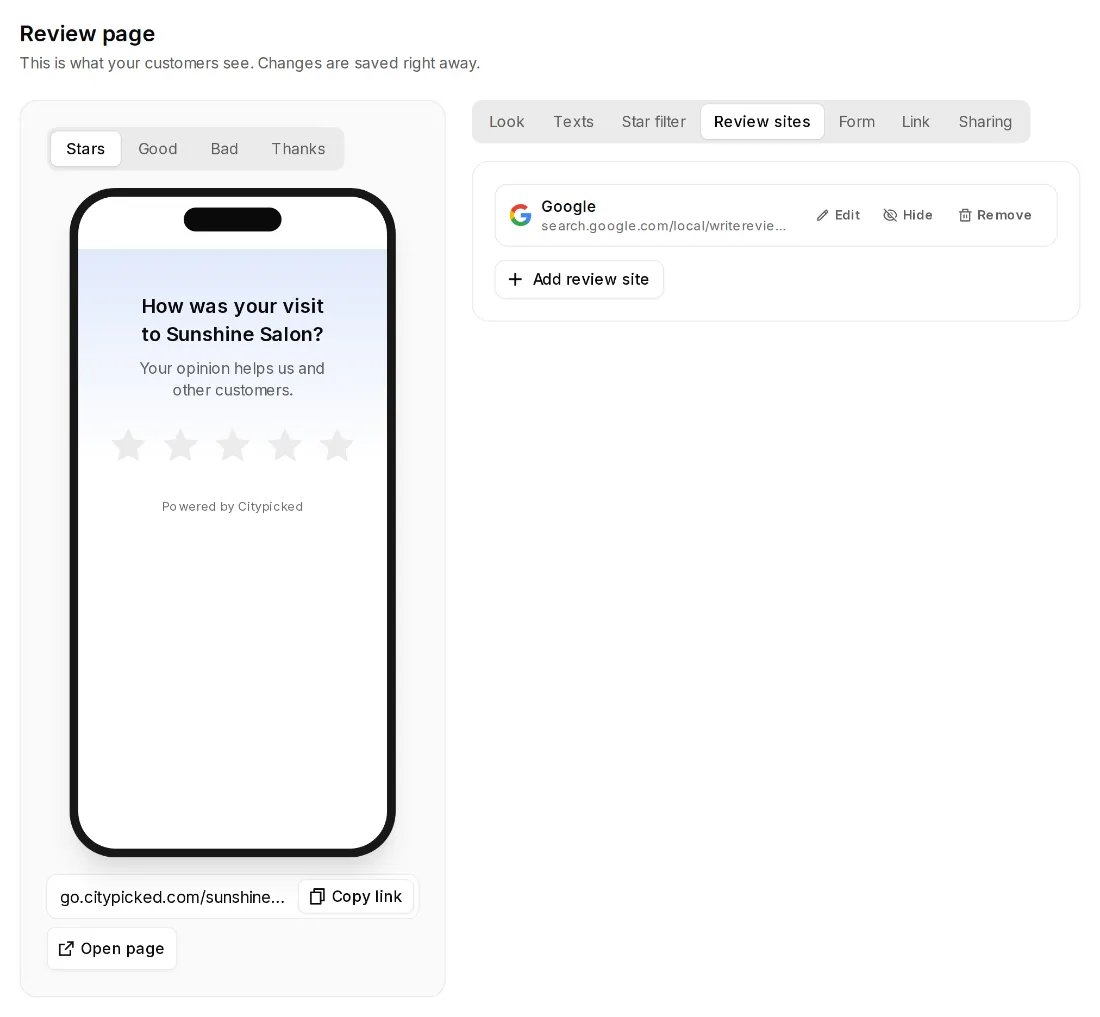
Open Review page, Review sites and click “Add review site”.
- Step 2:
Choose the site. The ones that fit your location are at the top, more below. The search finds any of them, for example “Yelp”. If yours isn't listed, use “Custom link”.
- Step 3:
Paste the link to your profile on that site and click “Add”.
- Step 4:
With “Up” and “Down” you set the order in which your customers see the sites. “Hide” hides a site without deleting it.
Good to know
- With one review site, Citypicked sends happy customers straight there. From two sites on, they choose.
- Citypicked checks your review site links once a week. If a site can no longer find your page, it says “Please check” with the reason.
- Every location has its own review sites.