How to find your Google review link
Without the right link, happy customers never reach Google. Here is how to find it in a minute and add it to Citypicked.
- Step 1:
Open your business in Google Maps, on your phone or computer.
- Step 2:
Tap “Share” and then “Copy link”. The link usually starts with maps.app.goo.gl.
- Step 3:
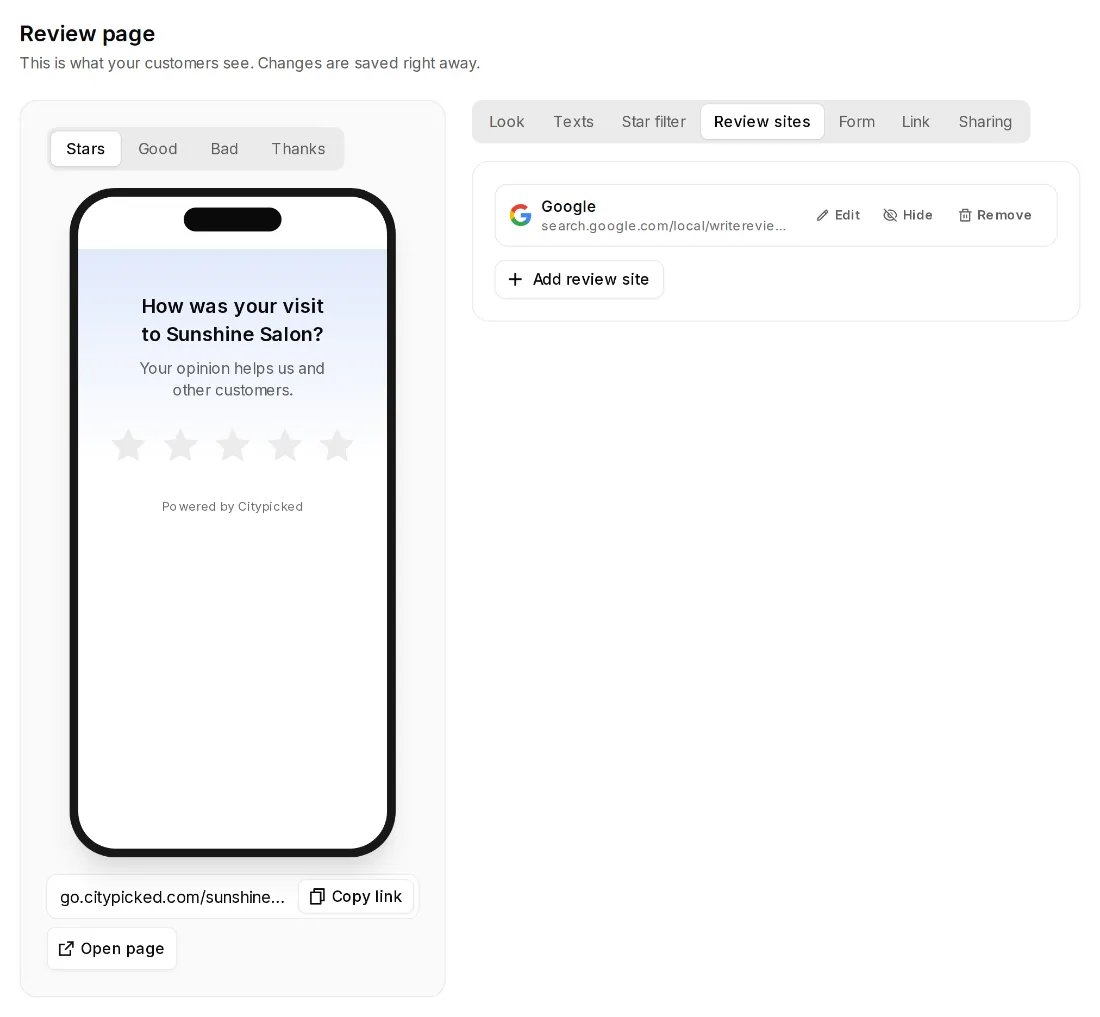
Paste the link into Citypicked: during setup in the review sites step, later under Review page, Review sites, Google. Citypicked checks it right away and shows “Link works” or “Please check” next to it.
- Step 4:
Do you manage your Business Profile yourself? Then the link from “Ask for reviews” in your profile works too. It usually starts with g.page/r/.