The best moment to ask
Right after the visit the memory is fresh and the good feeling strongest. Here is how to make your requests arrive just then, and never in the middle of the night.
- Step 1:
When sending: “When”
When sending, choose under “When”: “As soon as possible”, “In 1 hour”, “In 2 hours”, “In 4 hours” or “Tomorrow morning”. If the customer is still in your shop, “In 2 hours” gives them time to get home.
- Step 2:
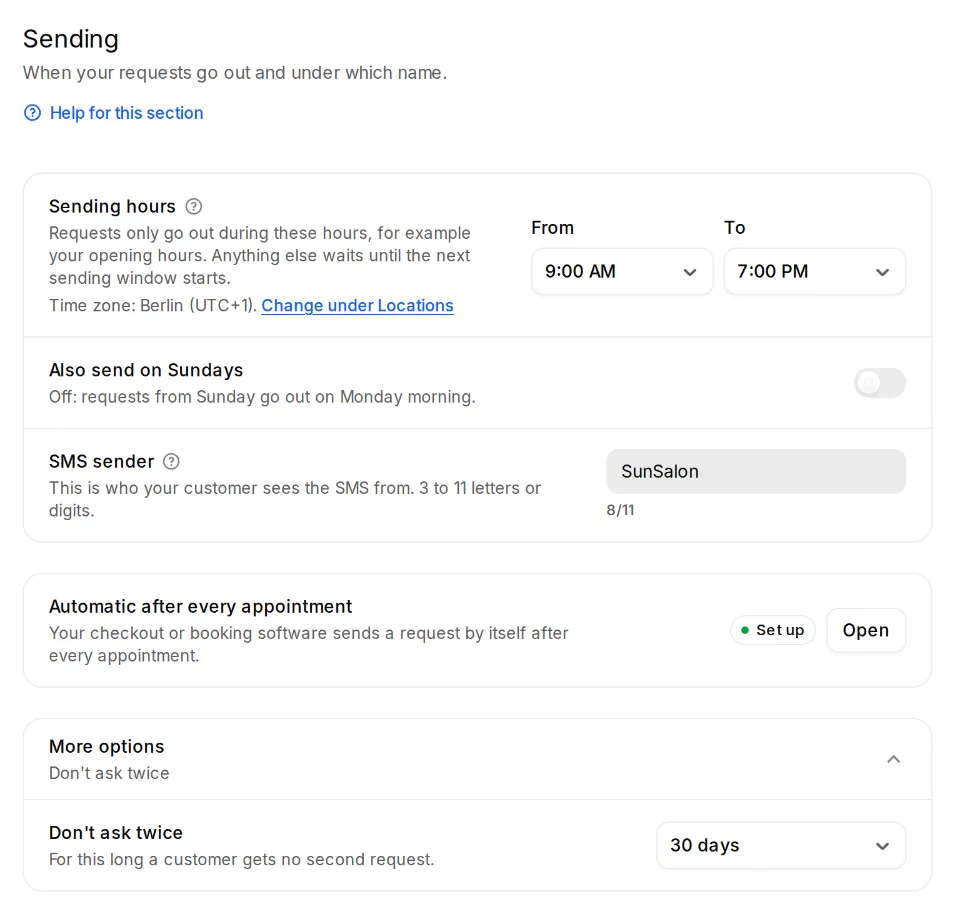
Sending hours
Under Settings, Sending you set when requests may go out at all, for example your opening hours. Anything outside them waits until they begin again.
- Step 3:
Automatically after appointments
If the request comes from your booking or checkout system, set the “Wait after the appointment” at your automation link: from “Right away” to “1 day”.