Your account: profile, data export and deleting
Your name, language, a copy of all your data, or deleting the account altogether: everything about your own account is under Settings, Account.
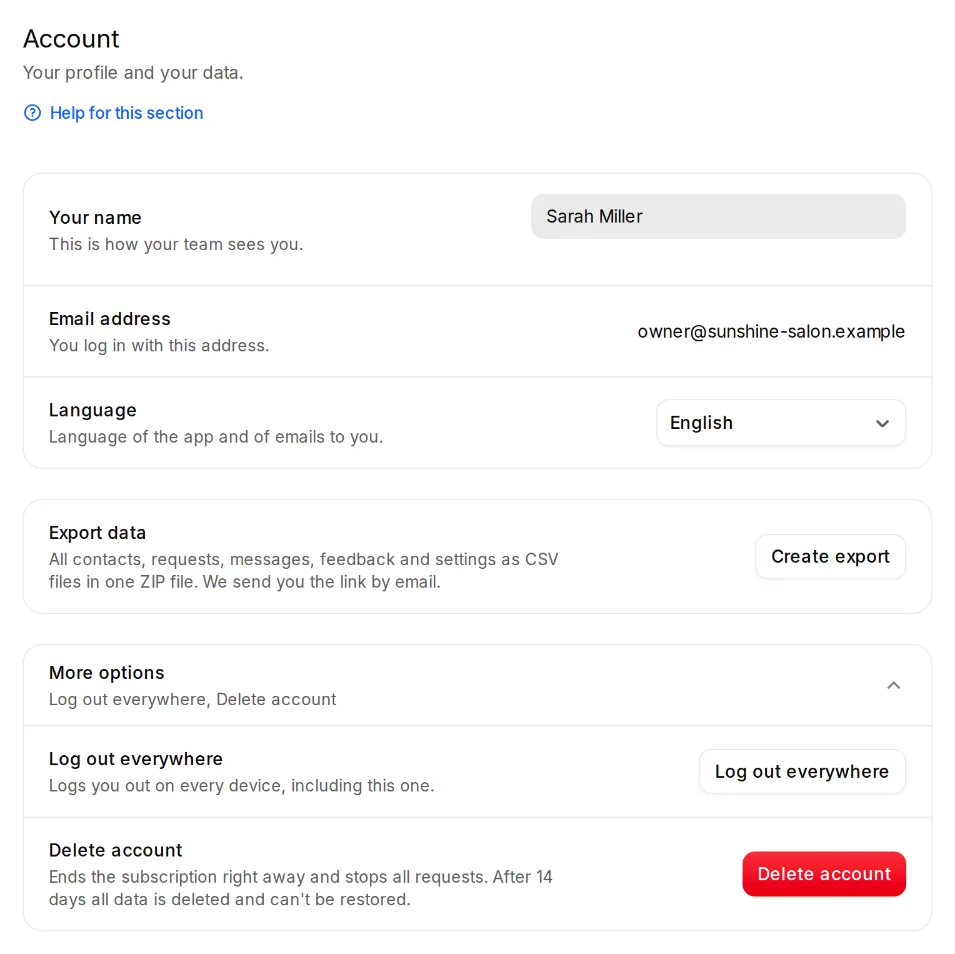
- Under Settings, Account you change your name and the language. You log in with your email address.
- “Log out everywhere” logs you out on every device, including this one. For example when you lost a phone.
- “Export data” creates a ZIP file with all contacts, requests, messages, feedback and settings as CSV files. We email you the link. Only the account owner can download it.
- “Delete account” ends the plan at once and stops all requests. After 14 days all data is deleted and can't be restored. To be safe, you type your account's name. Only the owner can delete the account.