Log in without a password
No password to remember: you log in with a link we email you.
- Step 1:
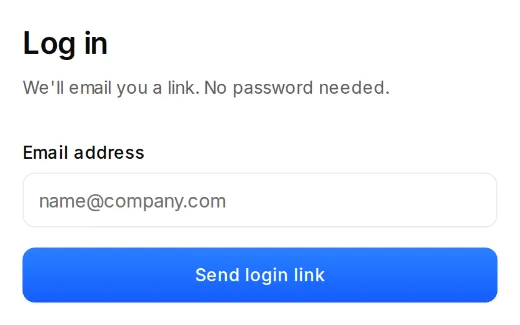
Click “Log in” on the website and enter your email address. We email you a login link.
- Step 2:
Open the email from Citypicked and click the link. It works for 30 minutes.
- Step 3:
If the login page shows “Continue with Google”, you can use that too, as long as your account has the same address as your Google account.
If it doesn't work
- No email? Check your spam folder and the spelling of the address. After a short wait you can send the link again.
- “This link has expired”: no problem, “Send a new link” gets you a new one.
- “Too many attempts. Please wait a few minutes.” After that it works again.
- Team members log in with their own address. If an invitation expired, ask the person who invited you to send it again.