Change your plan: Basic, Pro and Business
More customers, a second location, or you want automation? Here is how to change your plan, and how to see beforehand what changes.
How the plans differ
- Basic includes 300 email requests a month, Pro 1,000 and Business 2,500.
- Basic includes no SMS, Pro 50 SMS a month and Business 400.
- Basic and Pro include 1 location, Business 3.
- Basic includes 3 team seats (including yours), Pro and Business any number.
- Automation and SMS reminders come with Pro and Business.
How to switch
- Step 1:
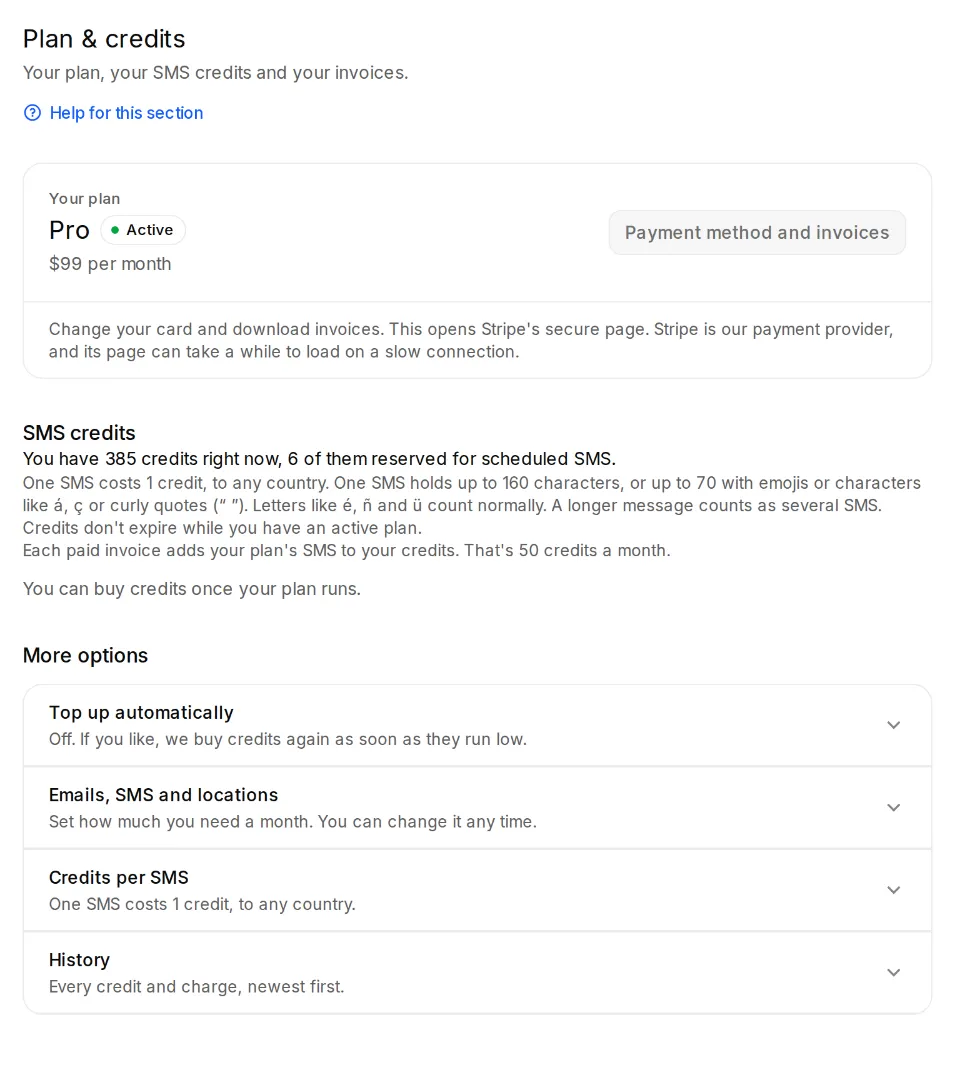
Open Settings, Plan & credits and under “More options” the “Change plan” section. That's also where you choose between Monthly and Yearly.
- Step 2:
Click “Switch to …”. Citypicked shows you beforehand what changes, for example when a smaller plan doesn't include automation.
- Step 3:
Confirm with “Switch now”. For the rest of this period you only pay the difference, on the next invoice.