Invoices and payment method
Your bookkeeper needs the invoice, or your card expired? You handle both with one click under Plan & credits.
- Step 1:
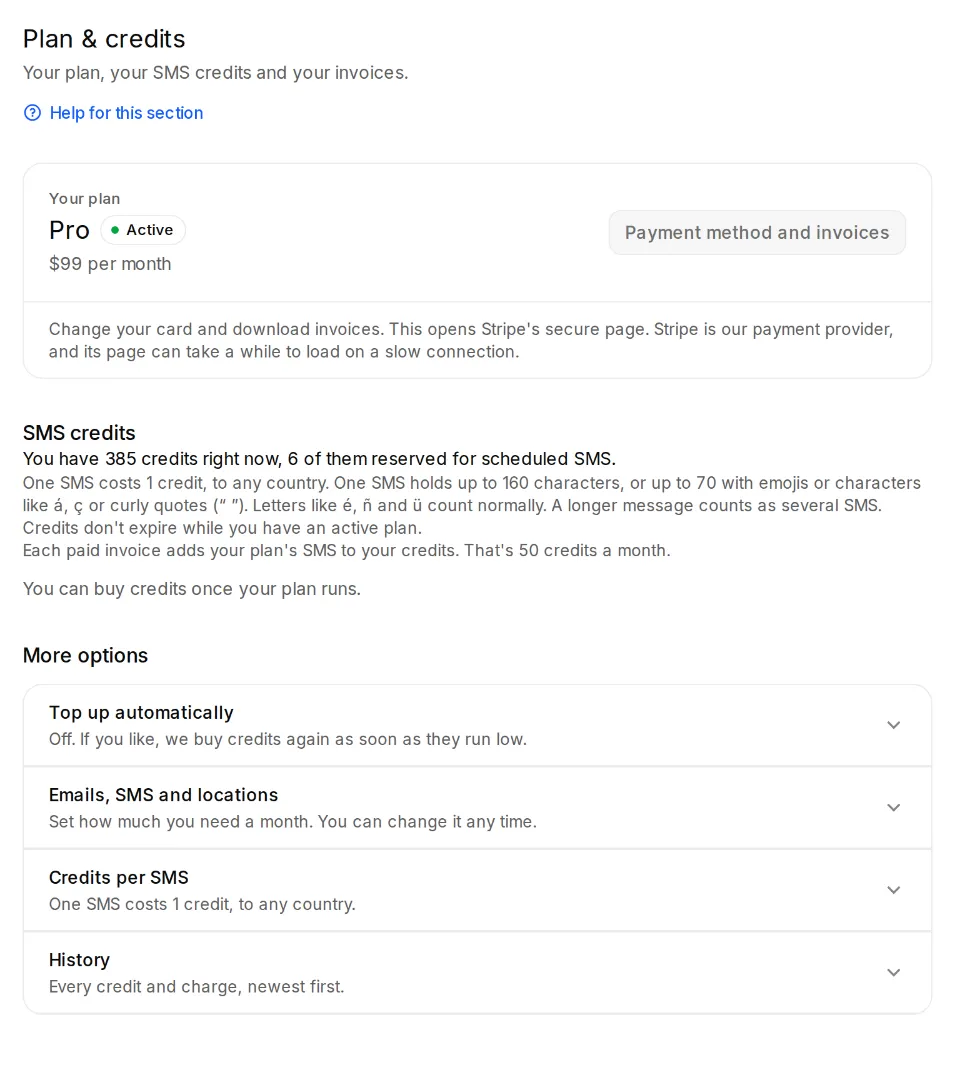
Open Settings, Plan & credits and click “Payment method and invoices”.
- Step 2:
This opens Stripe's secure page; Stripe handles our payments. There you change your card and download your invoices. On a slow connection it can take a while to load.
If a payment doesn't go through
The app then shows a notice with the date by which you should update your payment method. “Update payment method” takes you right there. After that, everything continues right away.
If the payment stays open, sending pauses. Your review page and QR codes keep working, and your data stays.