The weekly report by email
Once a week, the essentials without opening the app: the weekly report lands in your inbox every Monday morning.
What it contains
- Requests sent and how many of them were opened.
- Ratings, average stars and how many customers went to review sites.
- New private feedback, with a nudge to reply soon.
- A “View analytics” button for all the numbers.
Switch it on or off, change who gets it
- Step 1:
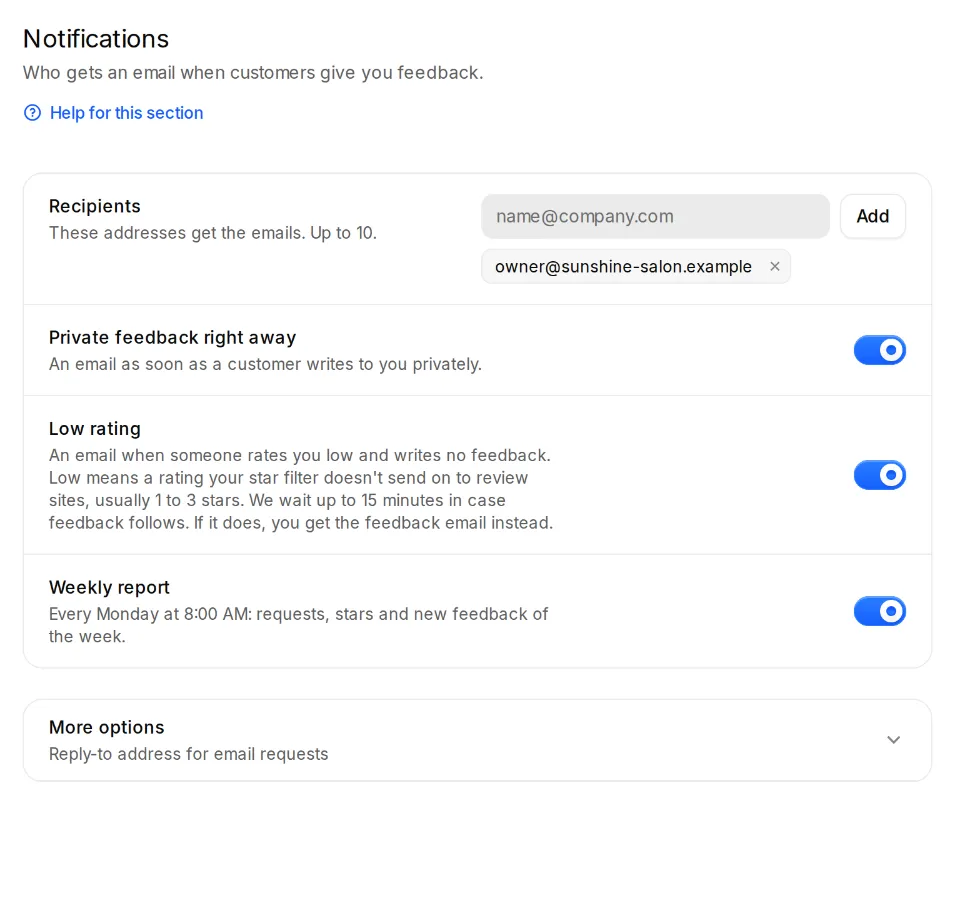
Open Settings, Notifications and switch the “Weekly report” on or off.
- Step 2:
The report goes to every address under “Recipients”. With several locations, each location gets its own report.