Your overview at a glance
The overview is your home screen. It shows the last 30 days, what to do next and what is happening with your requests right now.
What you see there
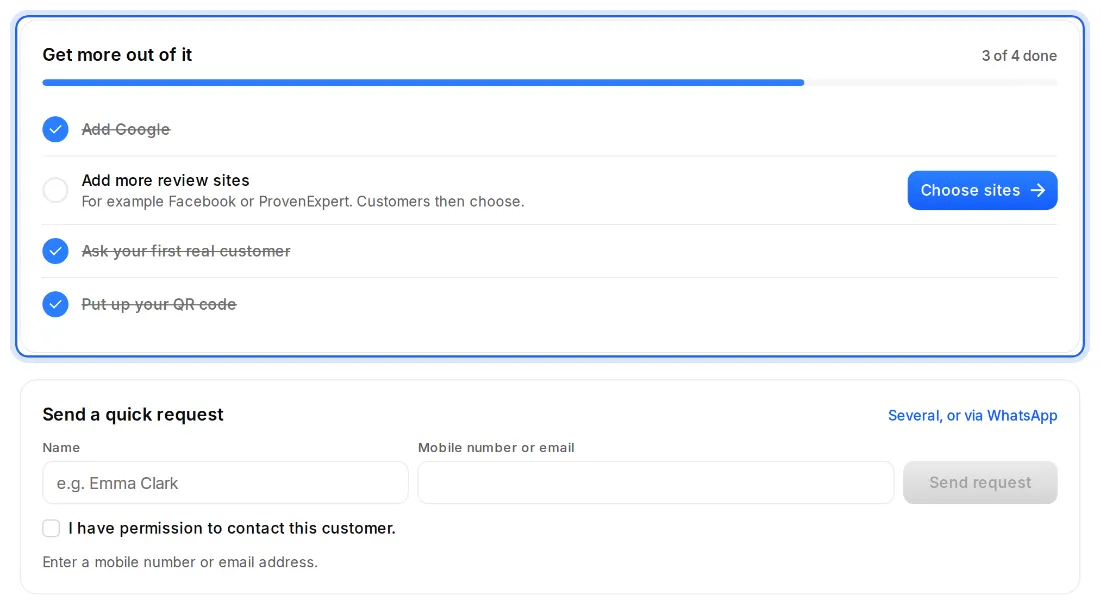
- “Get more out of it”: the next steps, while something is still missing. Add Google, add more review sites, ask your first real customer and put up your QR code. Each step ticks itself off.
- Four numbers for the last 30 days: Requests sent, Opened, Star ratings and Went to review sites. “All numbers in Analytics” takes you further.
- “Send a quick request”: enter a name and a mobile number or email, check the box, done. For several customers or WhatsApp, use “Several, or via WhatsApp”.
- “Recent activity”: what is happening with your requests, newest first. For example “Anna gave 5 stars”.